
• Blaise Alexander Hyundai

Blog

Hyundai Service Tips: How to Change a Flat Tire

person using a tire iron on a flat tire

Nobody plans for a flat tire, but it happens. Maybe you're heading out of State College for the weekend when something suddenly feels off. The good news? Learning how to change a flat tire is simpler than most people think — and it’s a skill every driver should have. Here’s a rundown of the tire-changing process, so you’re not caught flat and uninformed.

Before You Start

Get to a safe spot: Slow down gradually and pull onto a flat, stable surface away from traffic. Turn on your hazard lights, shift into park, and set the parking brake.

Gather your tools: Most Hyundai models store the spare tire, jack, and lug wrench beneath the trunk floor panel. Some newer Hyundais include a tire mobility kit instead of a spare, so it’s a good idea to check your owner’s manual beforehand.

Swapping the Tire

If your vehicle has wheel covers, remove them to expose the lug nuts. Use your lug wrench to loosen each nut about a quarter turn counterclockwise. Don’t remove them completely yet — breaking them loose while the tire is still on the ground makes the job easier.

Place the jack under the designated jack point near the flat tire. Your owner’s manual will show the exact location. Raise the vehicle until the tire sits about six inches off the ground.

Now remove the lug nuts, pull off the flat tire, and set it aside. Align the spare with the bolts, slide it into place, and hand-tighten the lug nuts in a star pattern to ensure the wheel seats evenly.

Getting Back on the Road

Lower the vehicle so the spare touches the ground, then tighten the lug nuts fully — again using a star pattern for even pressure. Lower the vehicle completely and give each nut one final check. Remember, temporary spares are designed for short distances and speeds under 50 mph.

Visit Blaise Alexander Hyundai of State College for Tire Service

A flat tire doesn’t have to ruin your day when you know how to handle it. If you need tire repair or replacement, our service team is ready to help. Stop by Blaise Alexander Hyundai of State College or give us a call to schedule a service appointment.
Recommended Posts

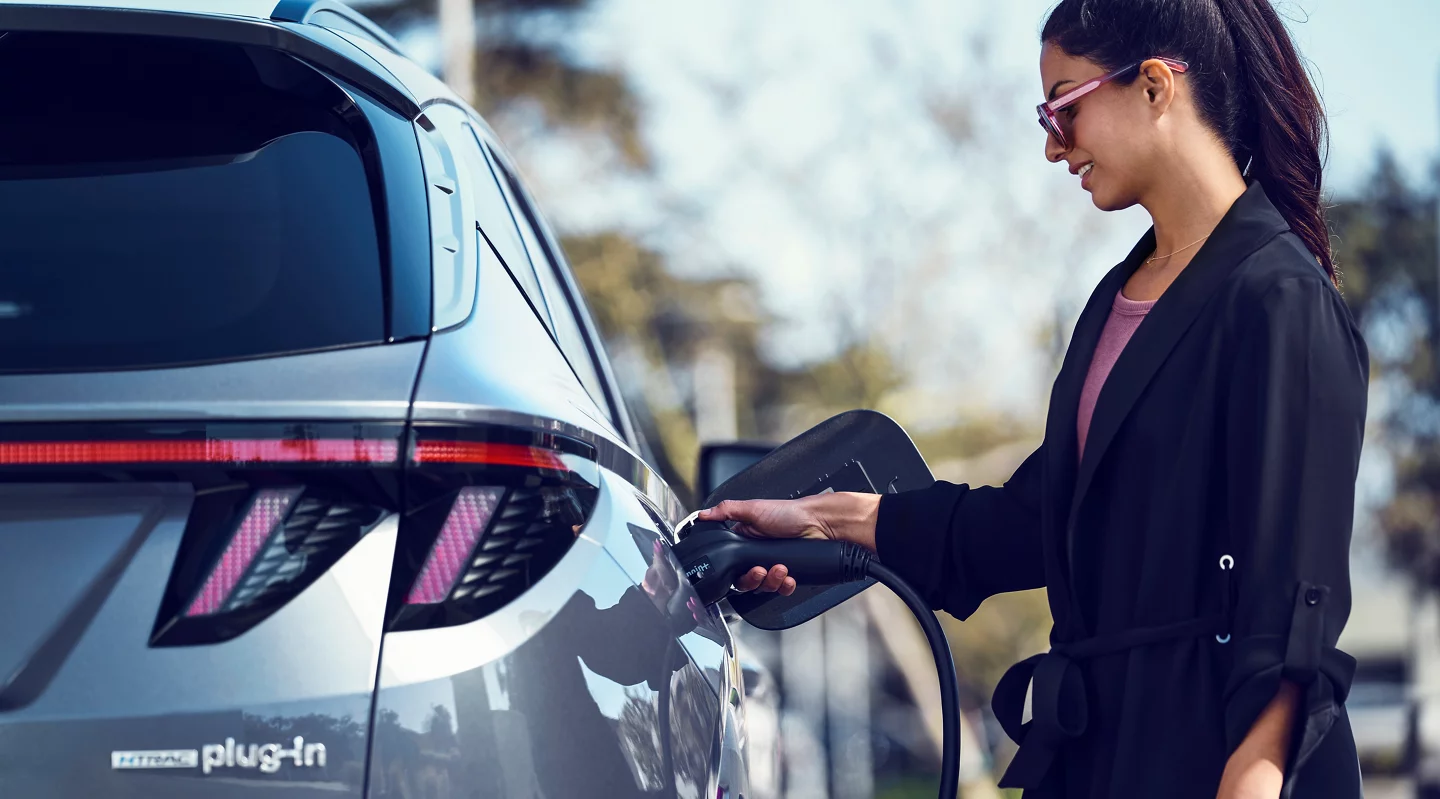
Woman charging a Hyundai Tucson PHEV

Hyundai Tucson Plug-In Hybrid: Is a PHEV Right for You?

A plug-in hybrid can cover much of your daily driving on electricity while keeping a gas engine ready for longer trips. Whether the Hyundai Tucson PHEV makes sense for you comes down to how far you drive, where you charge, and which trade-offs suit your lifestyle. Understanding those factors can help you decide whether a plug-in hybrid belongs in your driveway. Your Daily Miles Tell the Story The biggest benefit of the Hyundai Tucson PHEV comes when your routine fits comfortably within its electric driving capability. Regularly charging the battery can allow many commutes, errands, and school runs to be completed primarily on electric power, while the gasoline engine remains available when you need to travel farther. Think about what a typical week actually looks like. If most trips are relatively short and you can recharge between them, a plug-in hybrid can make excellent use of its electric capability. If you routinely cover long highway distances, you'll spend more time using the gasoline engine, reducing one of the PHEV's biggest advantages. Charging Access Makes the Difference Home charging is where a plug-in hybrid can be especially convenient. With access to a compatible Level 2 charger, you can replenish the battery between drives and begin many days ready to take advantage of electric power. Without reliable access to home or workplace charging, however, you may not realize as much of the benefit that comes with choosing a PHEV. In that situation, the Hyundai Tucson Hybrid may be worth considering because it doesn't need to be plugged in to recharge its hybrid battery. The Trade-Offs Worth Knowing A plug-in hybrid asks you to think differently about cost and convenience. The Hyundai Tucson PHEV may carry a higher purchase price than a comparable conventional hybrid, so its electric-driving capability is most valuable when you have the opportunity to use it regularly. Charging also becomes another part of your routine. Drivers with convenient home charging may barely notice the extra step, while those who depend primarily on public chargers could find a conventional hybrid easier to live with. Depending on configuration, battery packaging can also affect factors such as cargo capacity, so compare the specifications that matter most to your everyday needs. Explore the Hyundai Tucson PHEV in State College, PA If you mostly drive shorter distances and can plug in regularly, the Hyundai Tucson PHEV can offer an appealing combination of electric driving and gasoline-powered flexibility. Drivers who frequently travel longer distances or don't have convenient charging access may find the Hyundai Tucson Hybrid better suited to their routine. Our team at Blaise Alexander Hyundai of State College can help you compare both options and determine which one better fits your driving habits.

Using Hyundai Digital Key

What Is Hyundai Digital Key?

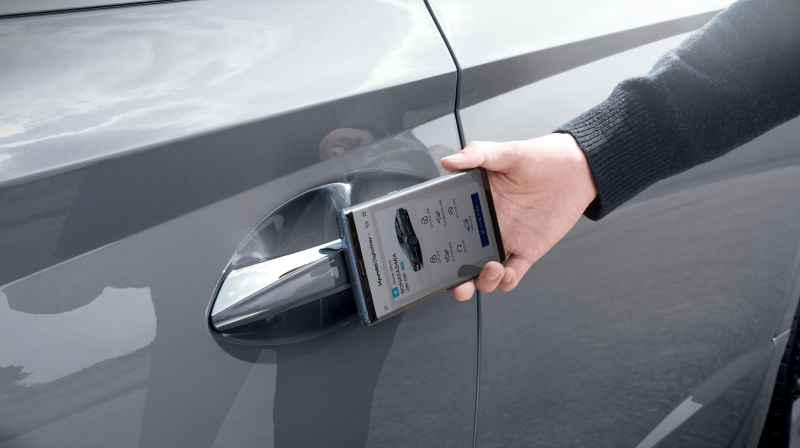
Hyundai Digital Key turns a compatible phone or smartwatch into another way to access and start an equipped vehicle. It can make everyday handoffs easier by keeping vehicle access in the device you already carry. At Blaise Alexander Hyundai of State College, we can show you how the system works with a compatible model and device. Your Compatible Device Becomes a Key With Hyundai Digital Key 2, you can use a compatible phone or smartwatch to lock, unlock, and start an equipped Hyundai vehicle. Digital Key 2 Touch uses near-field communication, allowing you to hold your device near the driver's door handle for entry and place it on the wireless charging pad to start the vehicle. On compatible vehicles and devices, newer Digital Key technology can provide even more convenient access without requiring the same tap-to-unlock process. Share Access Without Passing the Key Fob Vehicle sharing becomes simpler when another trusted driver needs access. Hyundai Digital Key 2 lets the primary user share a digital key with up to three people through compatible smartphone wallets. You can manage when a shared key may be used and revoke it later, making the arrangement easy to adjust when plans change. Setup Starts in the MyHyundai with Bluelink® App Getting started begins with Bluelink® enrollment and the MyHyundai with Bluelink® app. From there, select the Digital Key option and follow the prompts on your phone and vehicle display. Pairing procedures can vary based on the Hyundai model and compatible device, so follow the instructions provided for your specific vehicle and phone or smartwatch. Explore Hyundai Digital Key in State College, PA Hyundai Digital Key is designed to make vehicle access fit more naturally into your connected life. We can help you identify compatible vehicles and walk through the feature before you drive home. Visit Blaise Alexander Hyundai of State College to see how this thoughtful technology can simplify your routine.

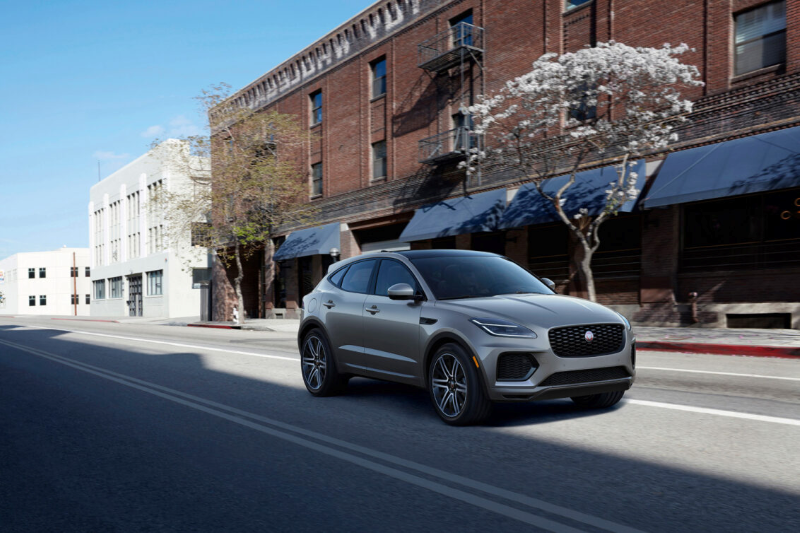
Jaguar E-Pace driving down the street

How Hyundai Automatic Emergency Braking Works to Protect You

August is National Brake Safety Awareness Month, a good time to look at the technology designed to assist when a potential collision develops ahead. Hyundai Automatic Emergency Braking capability is incorporated into Forward Collision-Avoidance Assist (FCA), which can warn you of certain collision risks and may automatically apply the brakes when necessary. At Blaise Alexander Hyundai of State College, we field plenty of questions about how this driver-assistance technology works behind the scenes. How Forward Collision-Avoidance Assist Detects a Threat Forward Collision-Avoidance Assist uses vehicle sensors to monitor the road ahead for certain potential collision risks. If the system detects a vehicle or other supported road user in your path, it can provide visual and audible warnings. If you do not begin braking in time, FCA may automatically apply the brakes to help avoid a collision or reduce its severity. Detection capabilities vary by Hyundai model and trim, with certain versions also able to recognize pedestrians, cyclists, and potential collisions with oncoming vehicles while turning at an intersection. Available Across Most of the Lineup Forward Collision-Avoidance Assist is part of Hyundai SmartSense and comes standard in some form on many current Hyundai vehicles, including the Hyundai Tucson, Hyundai Santa Fe, and Hyundai Elantra. Exact capabilities vary by model and trim. Certain versions add Cyclist and Junction Turning Detection, while more advanced versions can recognize additional collision risks in intersections and during lane changes. FCA works alongside other Hyundai SmartSense technologies such as Lane Keeping Assist and High Beam Assist to provide an additional layer of driver assistance. Explore Hyundai Automatic Emergency Braking in State College, PA Forward Collision-Avoidance Assist can provide an extra layer of support when certain collision risks develop, but it does not replace attentive driving or prevent every collision. Because its capabilities vary by model and trim, it’s worth checking exactly which version is included on the Hyundai vehicle you’re considering. Blaise Alexander Hyundai of State College can help you compare available Hyundai SmartSense features and understand how they work on the road.